Built from the operator’s side of the room.
CueWorks started with a simple theatre-operations problem: sophisticated systems are powerful because they expose enormous control, but most everyday events need only a small, predictable subset of that power.
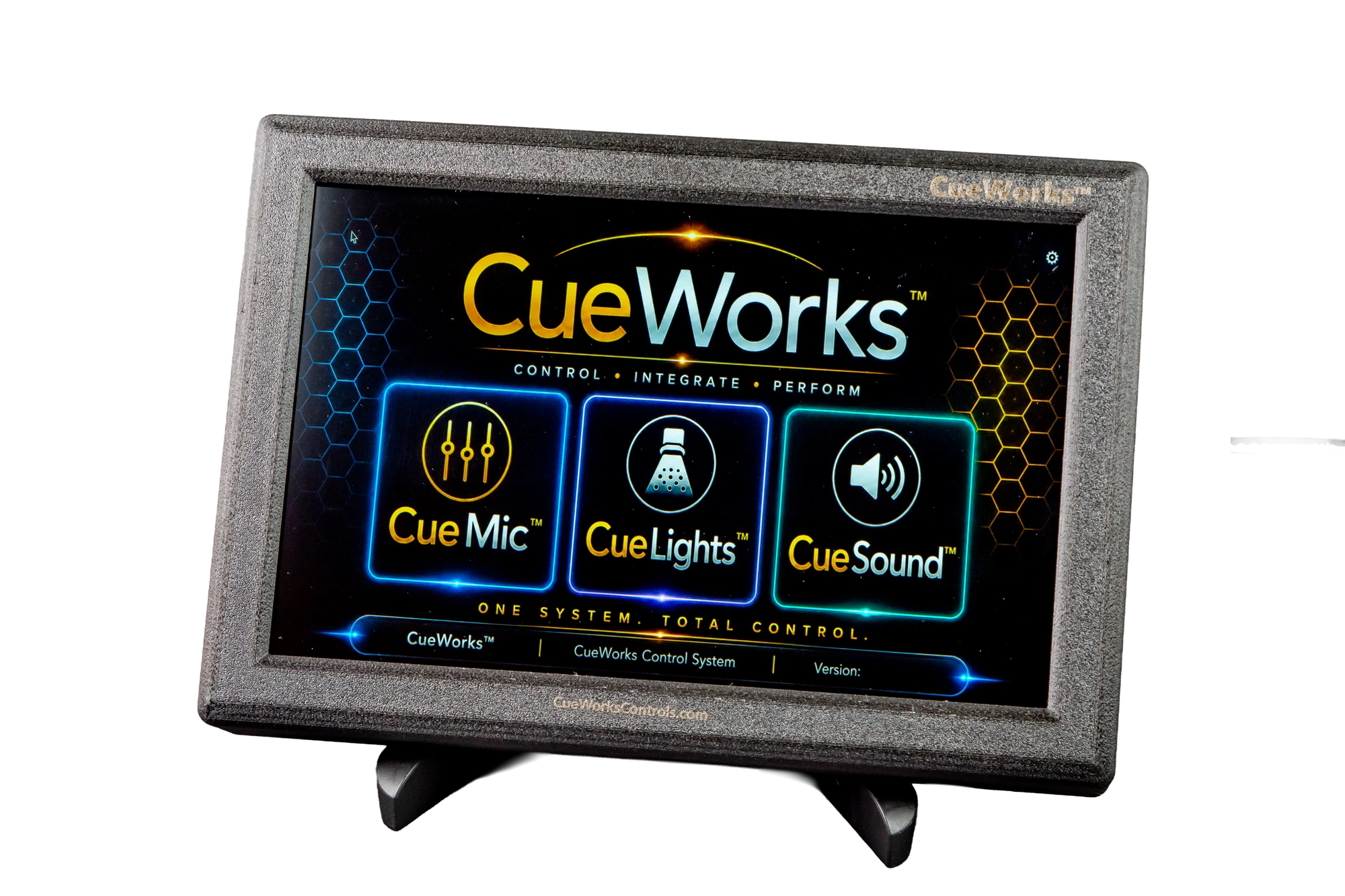
Keep the professional system professional.
Make the everyday workflow obvious.
CueWorks does not try to turn a touchscreen into a lighting console, sound desk, and rigging controller. It does the opposite: it takes the routine jobs people actually perform and gives those jobs a clear interface.
The result is a control family built around theatre language, theatre workflows, access levels, presets, and the practical reality that the person running a meeting is not always the person who programmed the show.
Purpose before features
Every control should earn its place on the operator screen.
Boundaries are a feature
Protecting advanced functions from casual operation is part of the design.
Integration without takeover
CueWorks lives alongside the venue’s professional infrastructure.
Built for real rooms
The system is shaped by installation, commissioning, rehearsal, and day-to-day operation—not just bench testing.
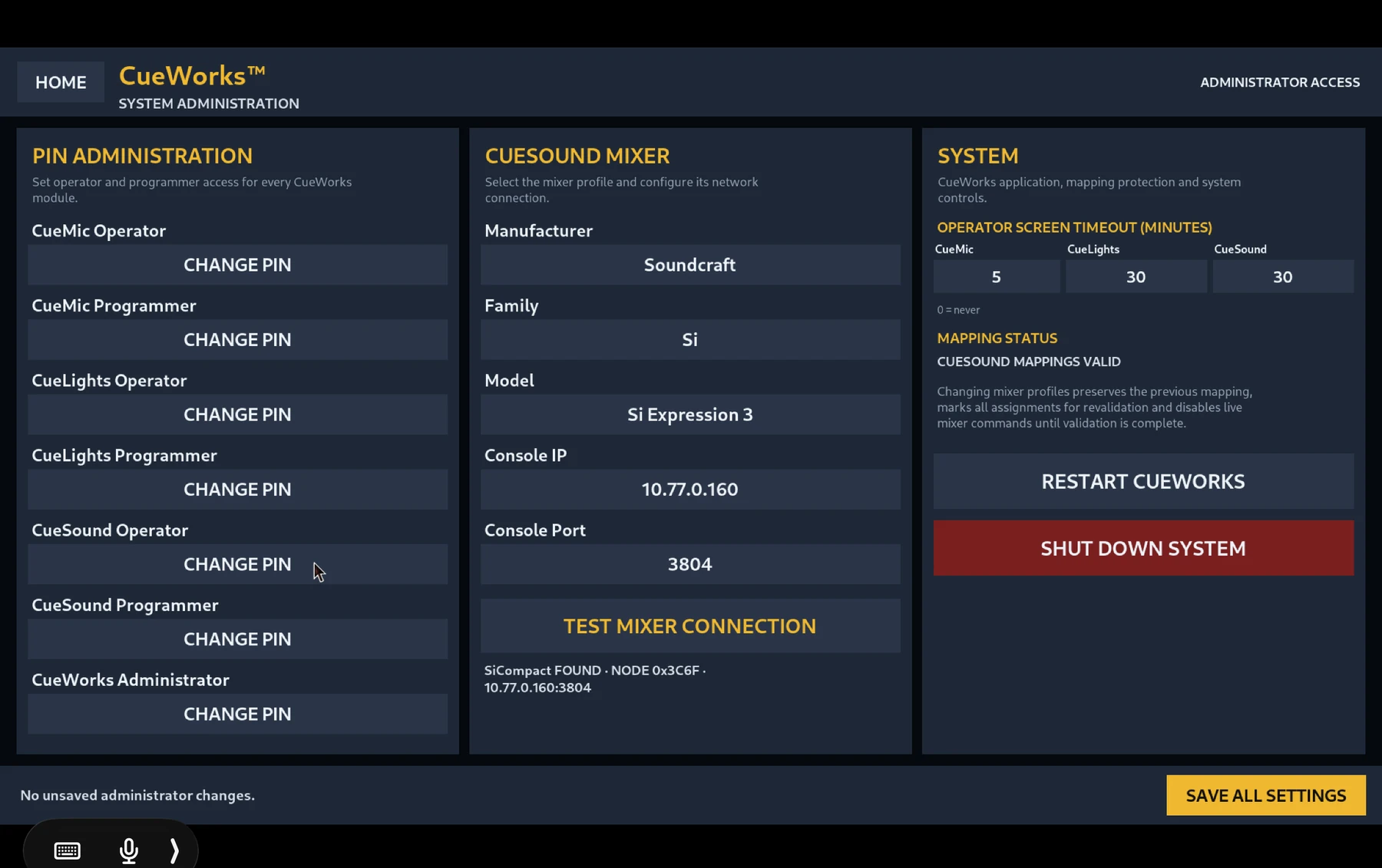
Administrator. Programmer. Operator.
CueWorks separates system administration, setup/programming, and day-to-day operation so each person sees the level of control appropriate to the job.
- System-level administration remains protected
- Programmer tools live behind dedicated access
- Operator pages stay focused on routine use
- Each module keeps a consistent CueWorks visual language
Control the room.
Not the operator.
The goal is not to remove expertise from theatre. It is to make sure expertise is required where it adds value—and not where a repeatable, safe control surface can do the job better.
Start a conversation →